Voice conversations in ChatGPT
Talk to ChatGPT, hands-free. Learn something new, talk out thoughts, brainstorm ideas, get how-to advice, or practice languages.
Comment démarrer une conversation vocale
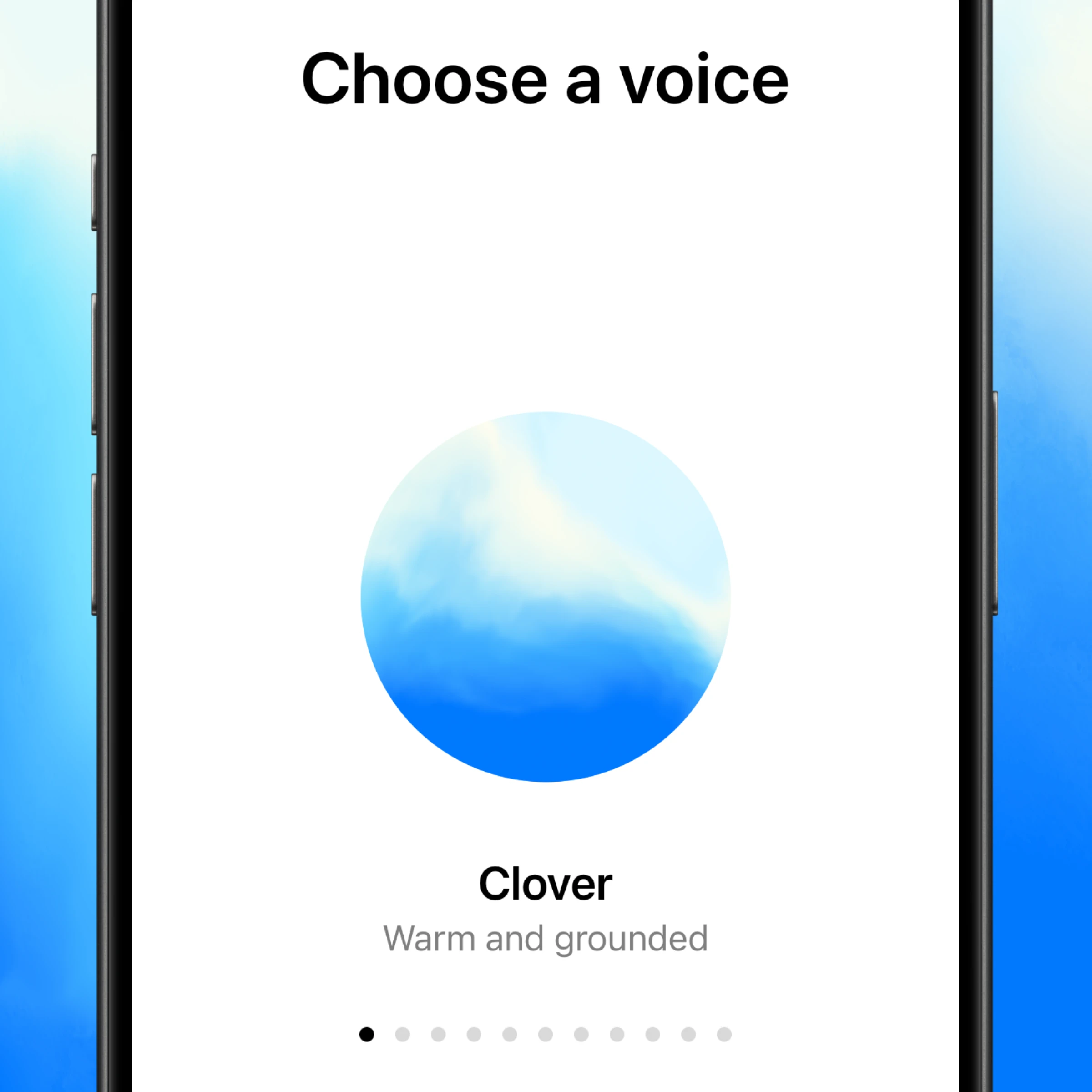

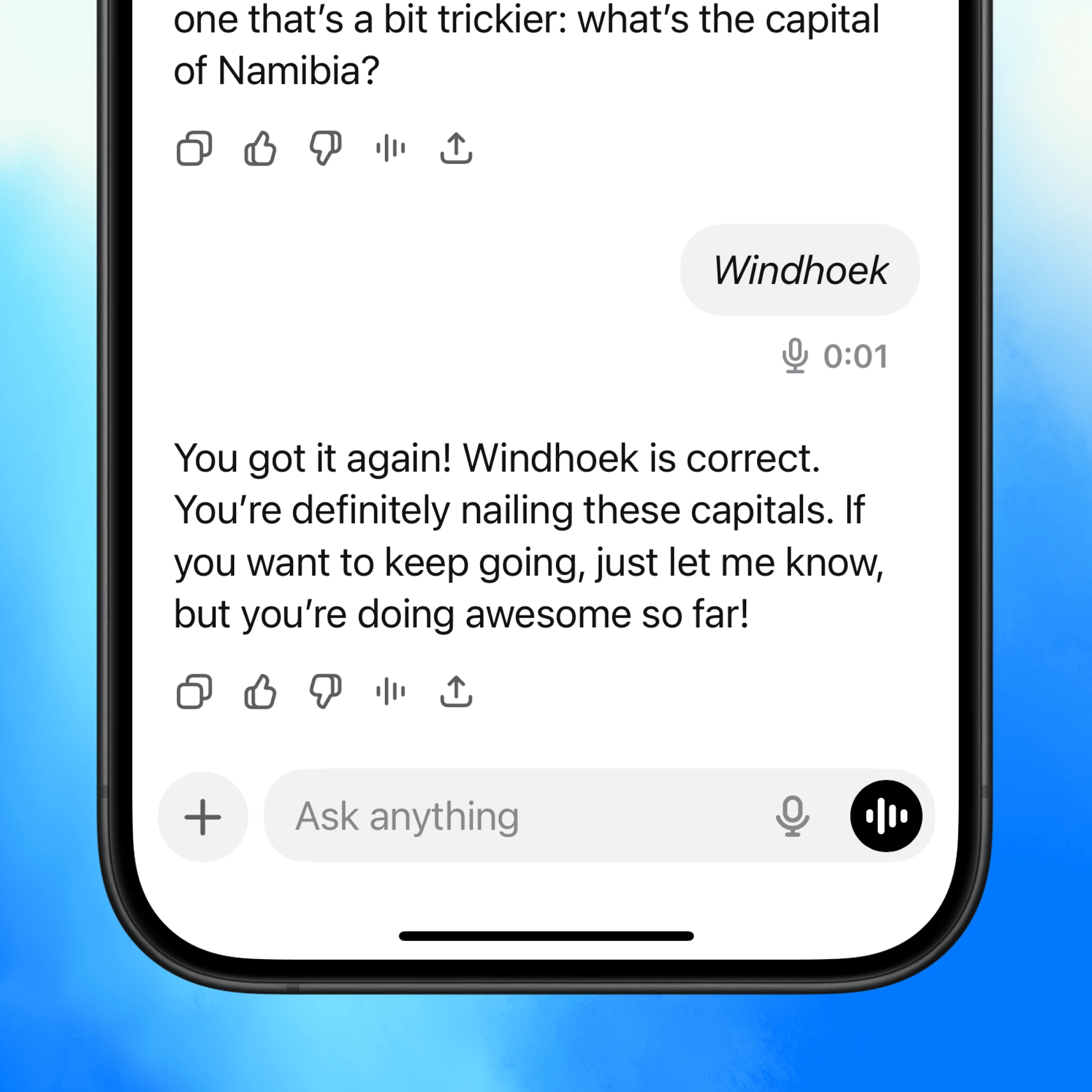
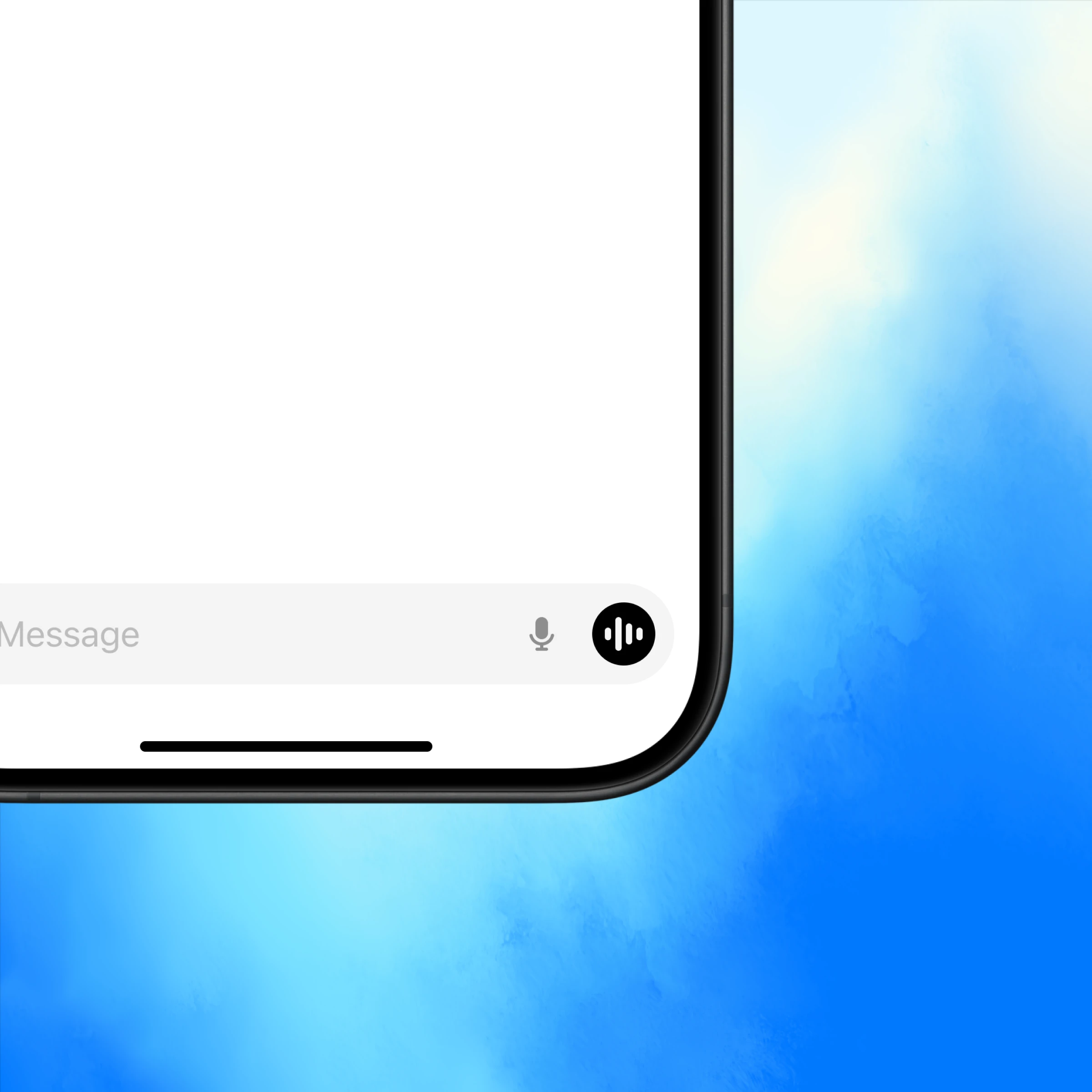
Ouvrez ChatGPT et appuyez sur l’icône vocale en bas à droite.
Talk to an expert, anytime
Quick answers, hands-free
Voice gives you instant answers from ChatGPT so you can keep moving.
Conversations that flow
Follow up, change direction, or go deep—voice makes it natural.
More than text
Some things are better spoken. Use voice to practice a language, prep for an interview, or get live translation.
More ways to use voice
Get inspired to start your own conversation in ChatGPT.
Explore more
- Voice with video
Talk to ChatGPT about what you're seeing and get help solving a problem or brainstorming, instantly.
- Naviguez sur le web avec Atlas
Utilisez Atlas, notre navigateur alimenté par l'IA, pour résumer des pages, comparer des produits, analyser des informations ou prendre des actions sur le web.
- Appli de bureau ChatGPT
Téléchargez l'appli de bureau ChatGPT pour garder l'IA à portée de main et travailler sur le code, les fichiers, les courriels ou les captures d'écran que vous choisissez de téléverser.