Voice with real-time video in ChatGPT
Talk to ChatGPT about what you’re seeing—whether you’re learning, solving a problem, or creating.
Available in ChatGPT Plus, Pro, Business, Enterprise, and Edu on mobile
Comment démarrer une conversation vidéo
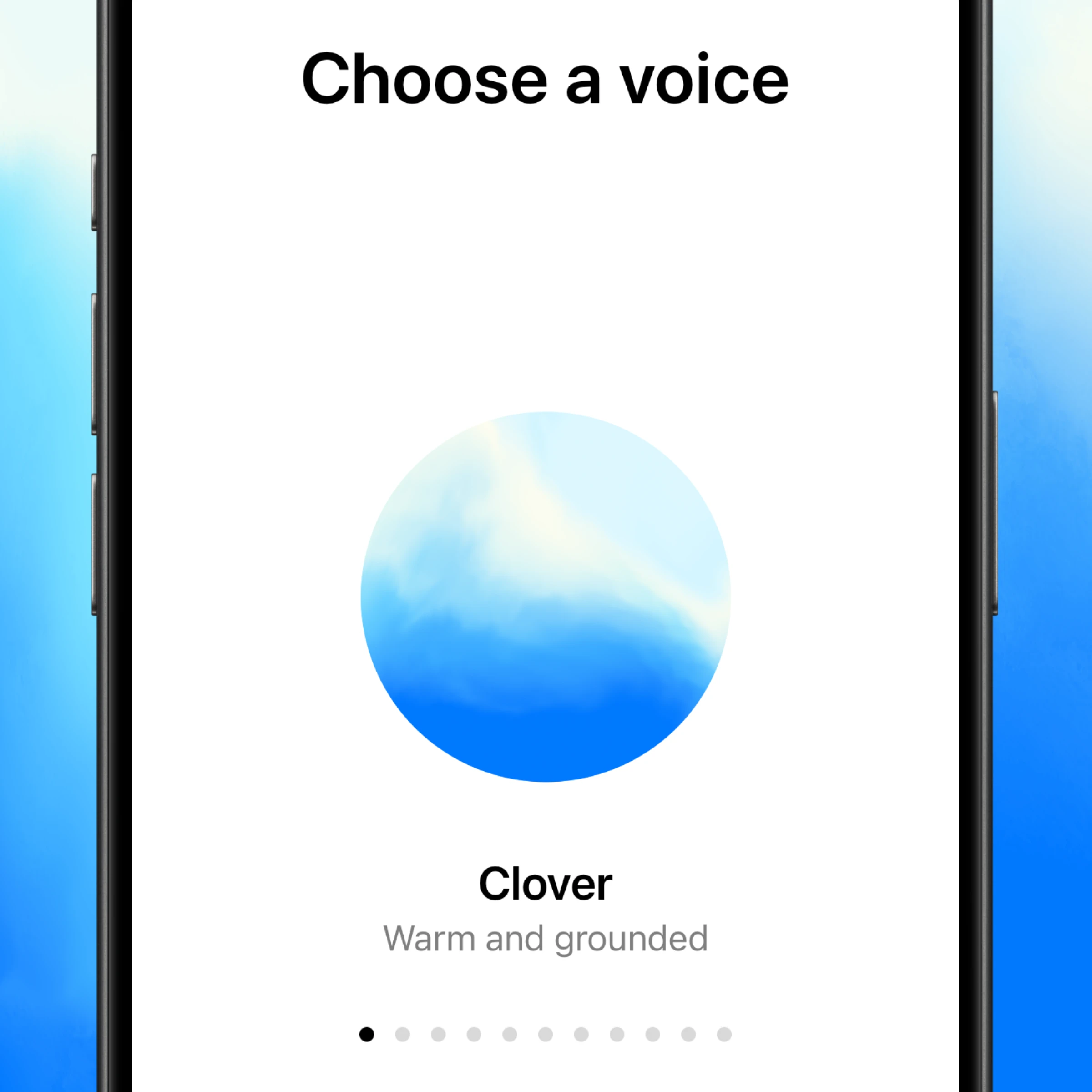
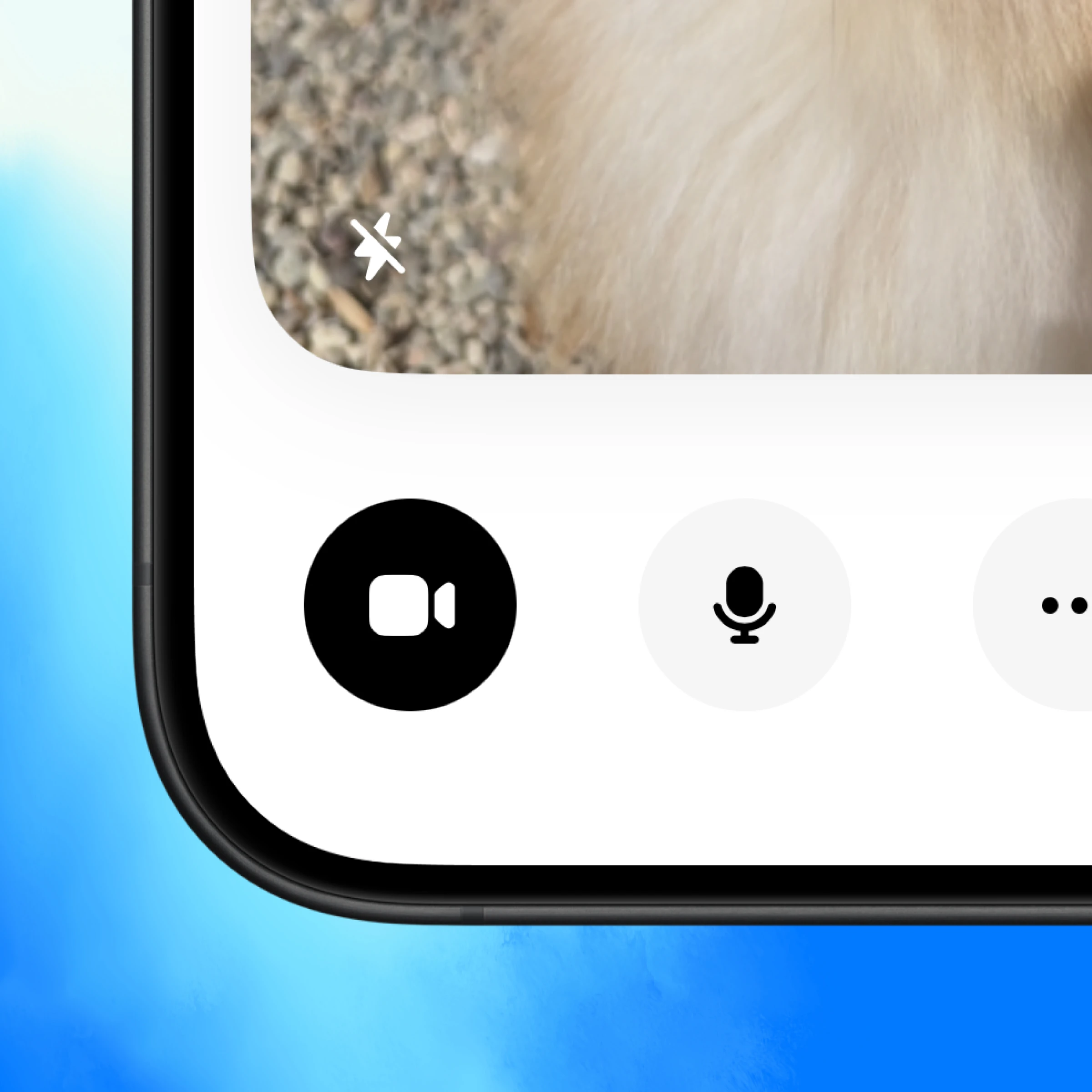
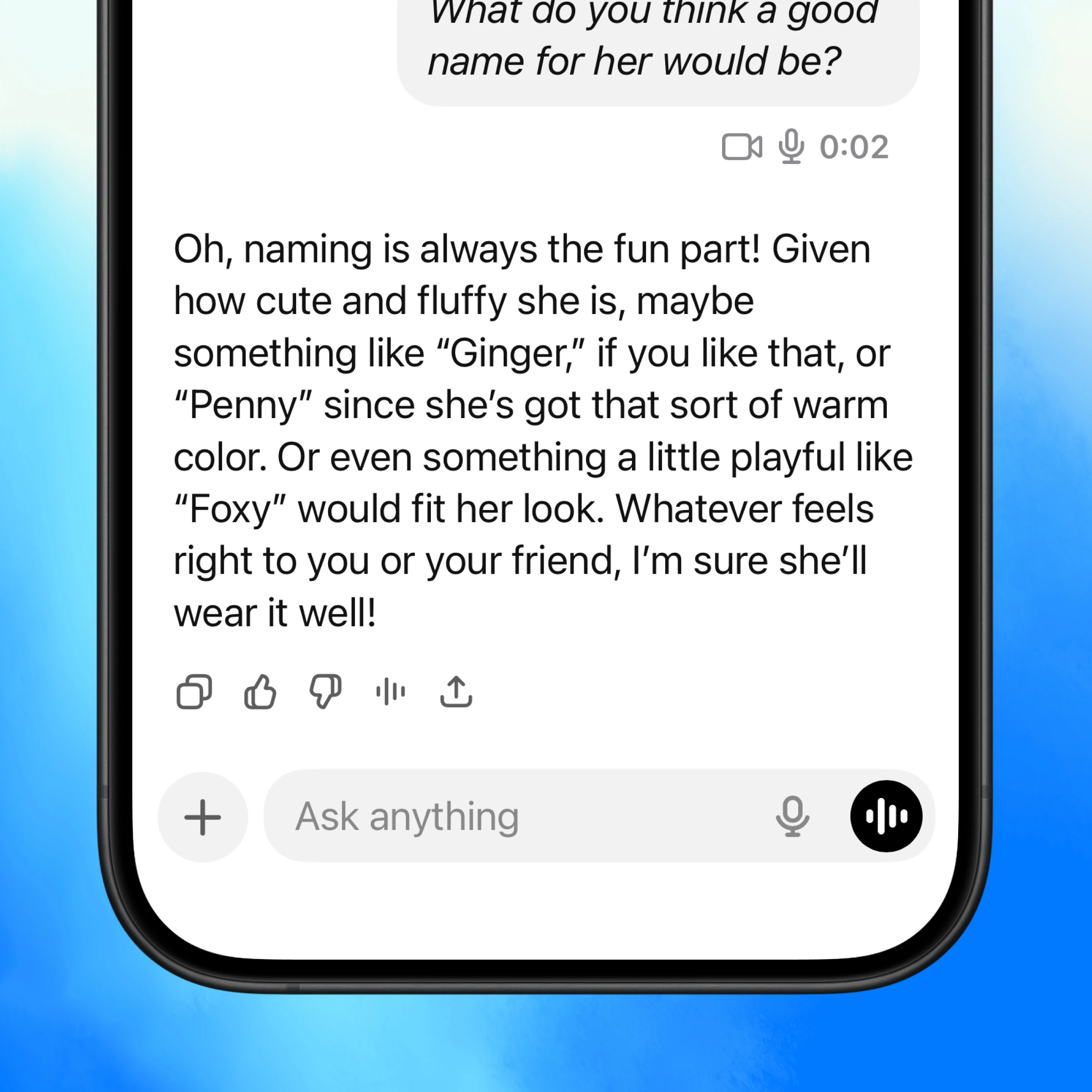
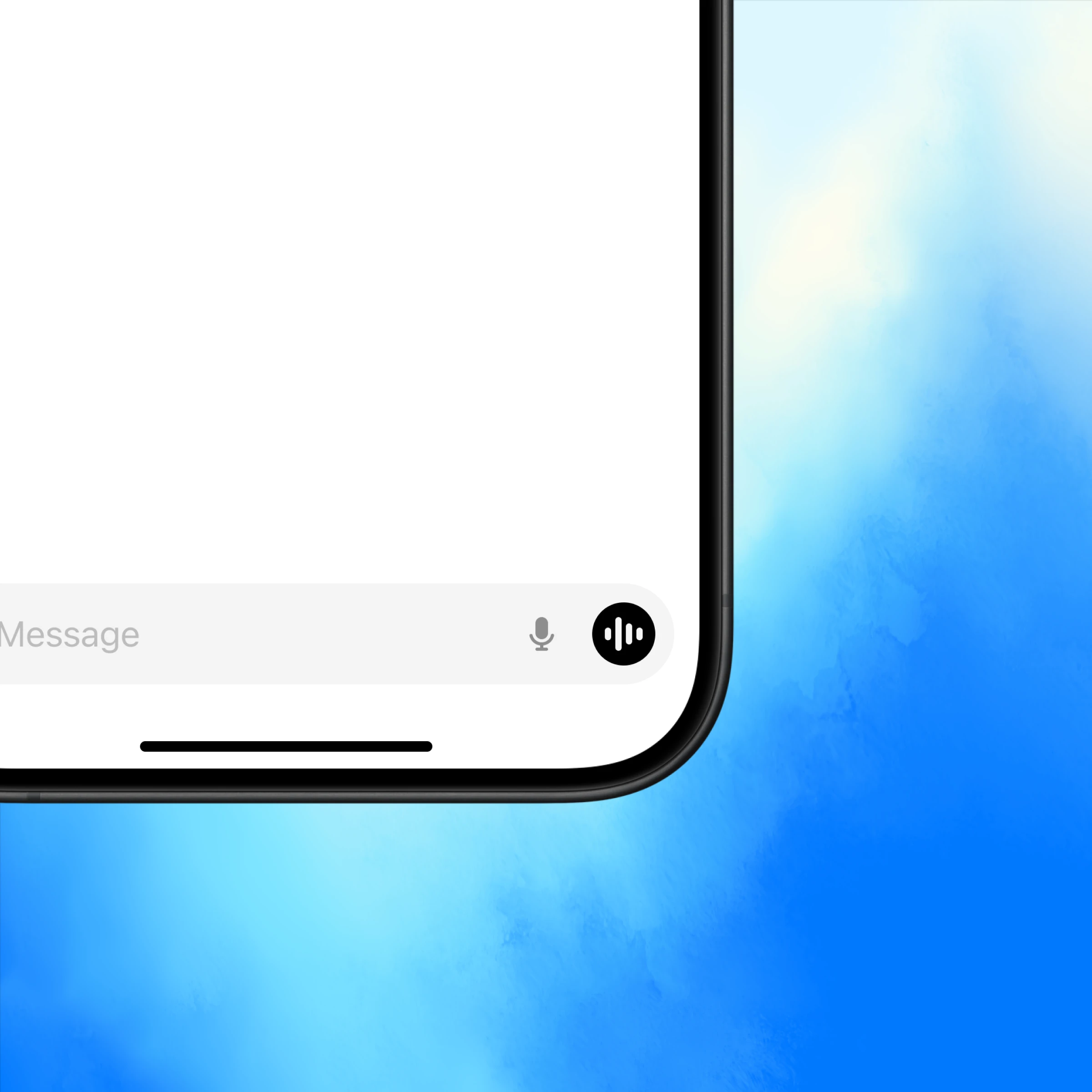
Ouvrez ChatGPT et appuyez sur l’icône vocale en bas à droite.
Talk about what you’re seeing
Real-time “show and tell”
ChatGPT can see what you see and help instantly—whether you’re learning, fixing something, or brainstorming ideas.
Like a video call
Conversations flow with tone, context, and real-time feedback that make conversations more useful.
Back and forth conversation
Interrupt, ask follow-ups, or switch directions mid-thought—ChatGPT keeps up with you in the moment.
More ways to use voice with real-time video
Get inspired to start your own conversation in ChatGPT.
Learn more about voice conversations.
Explore more
- Faites-le oralement
Discutez avec ChatGPT en mains libres pour générer des idées, obtenir de l'aide étape par étape, ou utilisez votre caméra pour résoudre des problèmes en temps réel.
- Naviguez sur le web avec Atlas
Utilisez Atlas, notre navigateur alimenté par l'IA, pour résumer des pages, comparer des produits, analyser des informations ou prendre des actions sur le web.
- Appli de bureau ChatGPT
Téléchargez l'appli de bureau ChatGPT pour garder l'IA à portée de main et travailler sur le code, les fichiers, les courriels ou les captures d'écran que vous choisissez de téléverser.