Voice with real-time video in ChatGPT
Talk to ChatGPT about what you’re seeing—whether you’re learning, solving a problem, or creating.
Available in ChatGPT Plus, Pro, Business, Enterprise, and Edu on mobile
Kaip pradėti vaizdo pokalbį
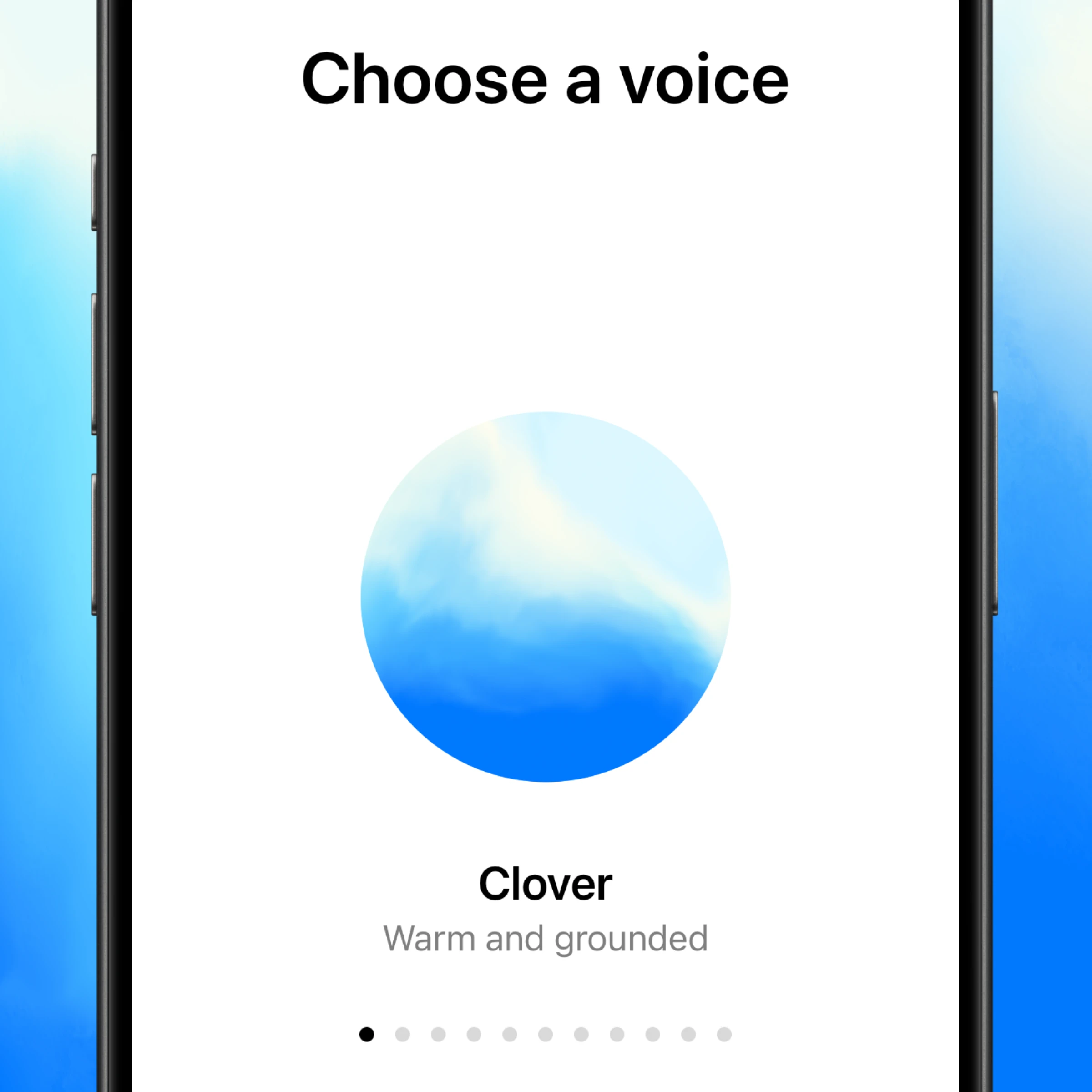
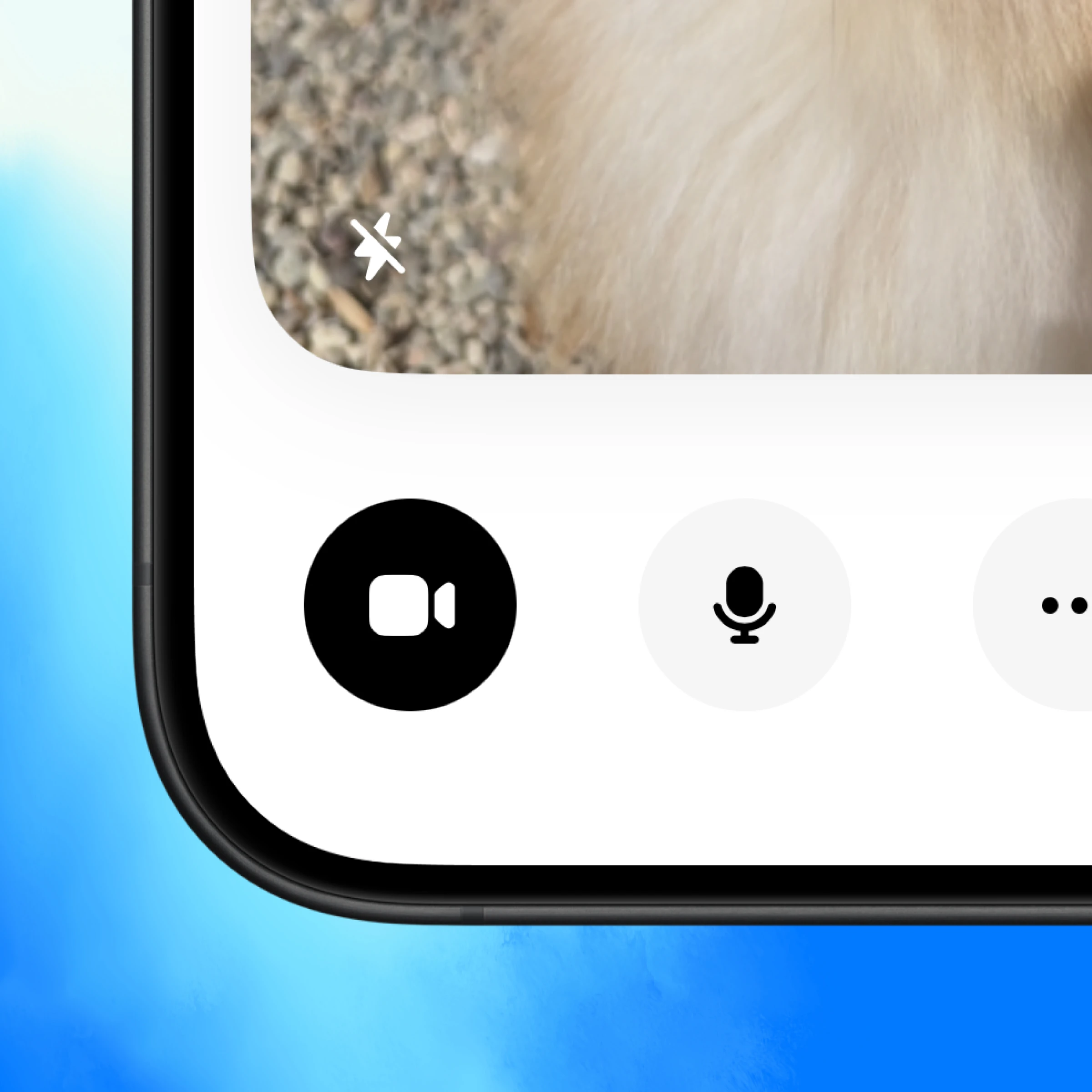
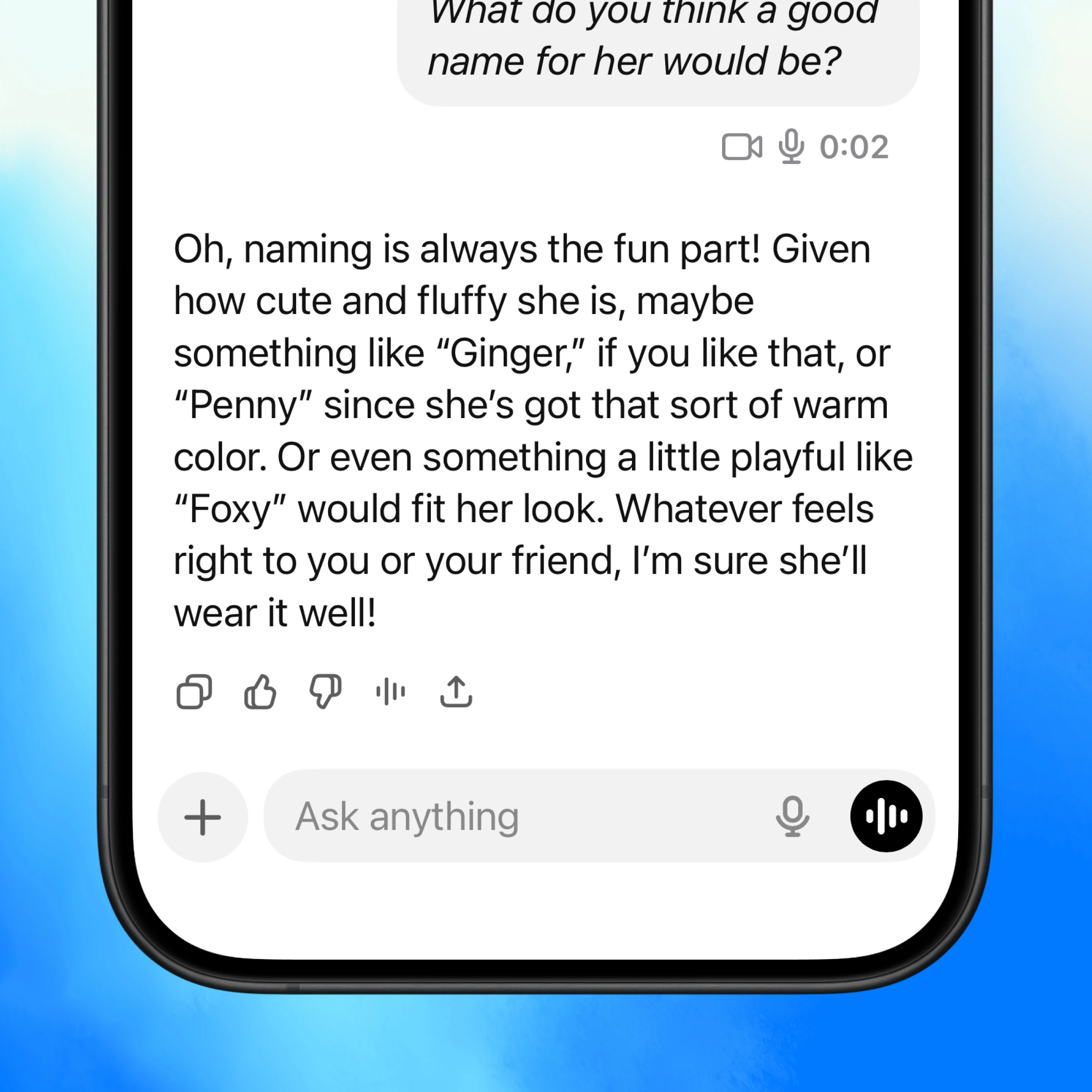
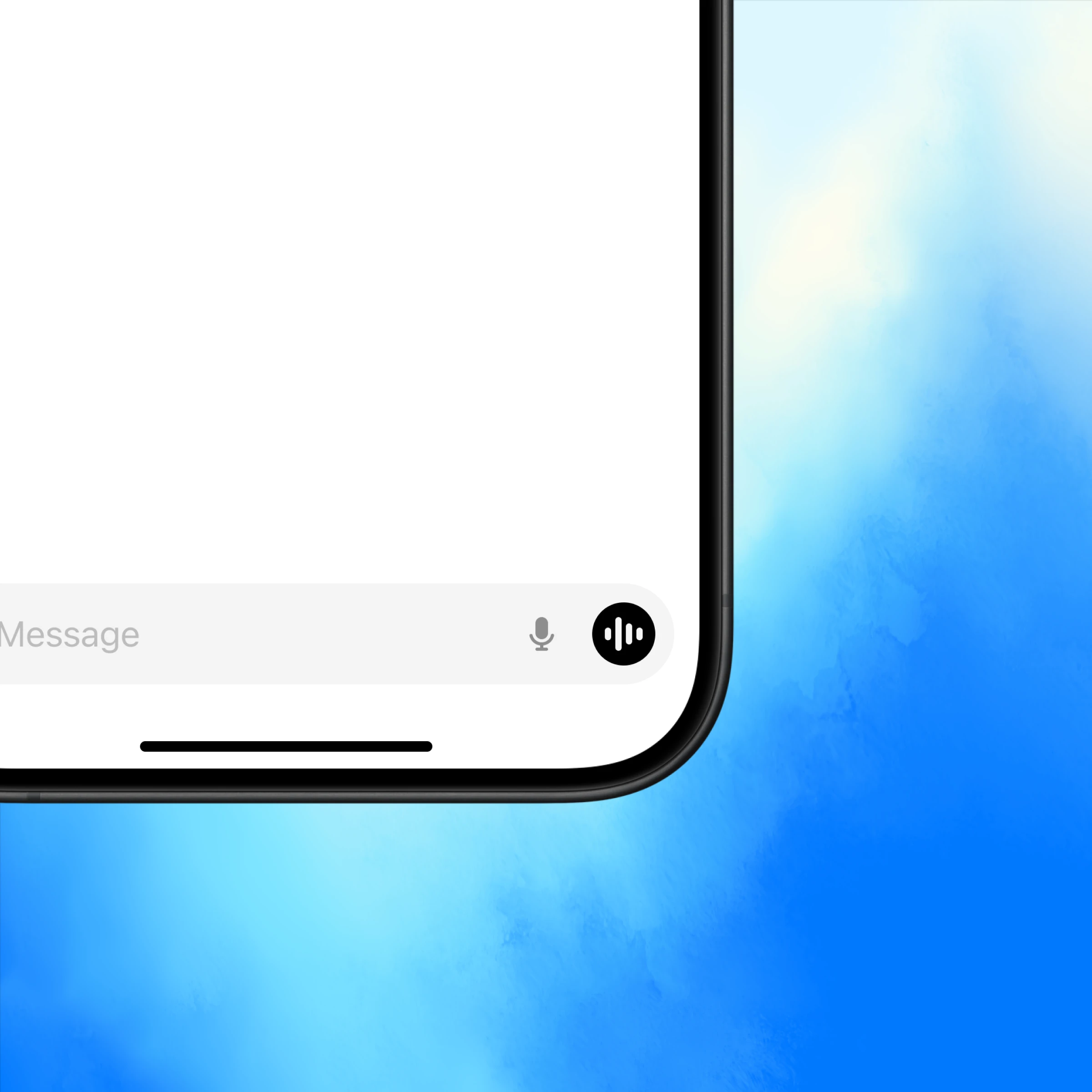
Atidarykite „ChatGPT“ ir palieskite balso piktogramą apatiniame dešiniajame kampe.
Talk about what you’re seeing
Real-time “show and tell”
ChatGPT can see what you see and help instantly—whether you’re learning, fixing something, or brainstorming ideas.
Like a video call
Conversations flow with tone, context, and real-time feedback that make conversations more useful.
Back and forth conversation
Interrupt, ask follow-ups, or switch directions mid-thought—ChatGPT keeps up with you in the moment.
More ways to use voice with real-time video
Get inspired to start your own conversation in ChatGPT.
Learn more about voice conversations.
Explore more
- Kalbėkitės balsu
Kalbėkite su „ChatGPT“ laisvų rankų režimu, kad generuotumėte idėjas, gautumėte nuoseklią pagalbą arba naudotumėte kamerą spręsdami problemas realiuoju laiku.
- Naršykite internete su „Atlas“
Naudokite „Atlas“, mūsų DI pagrįstą naršyklę, kad apibendrintumėte puslapius, palygintumėte produktus, analizuotumėte informaciją ar atliktumėte veiksmus internete.
- „ChatGPT“ darbalaukio programa
Atsisiųskite „ChatGPT“ darbalaukio programą, kad DI būtų pasiekiamas klavišo paspaudimu, ir dirbkite su kodu, failais, el. laiškais ar ekrano nuotraukomis, kurias pasirinksite įkelti.