Voice with real-time video in ChatGPT
Talk to ChatGPT about what you’re seeing—whether you’re learning, solving a problem, or creating.
Available in ChatGPT Plus, Pro, Business, Enterprise, and Edu on mobile
Paano magsimula ng pag-uusap sa video
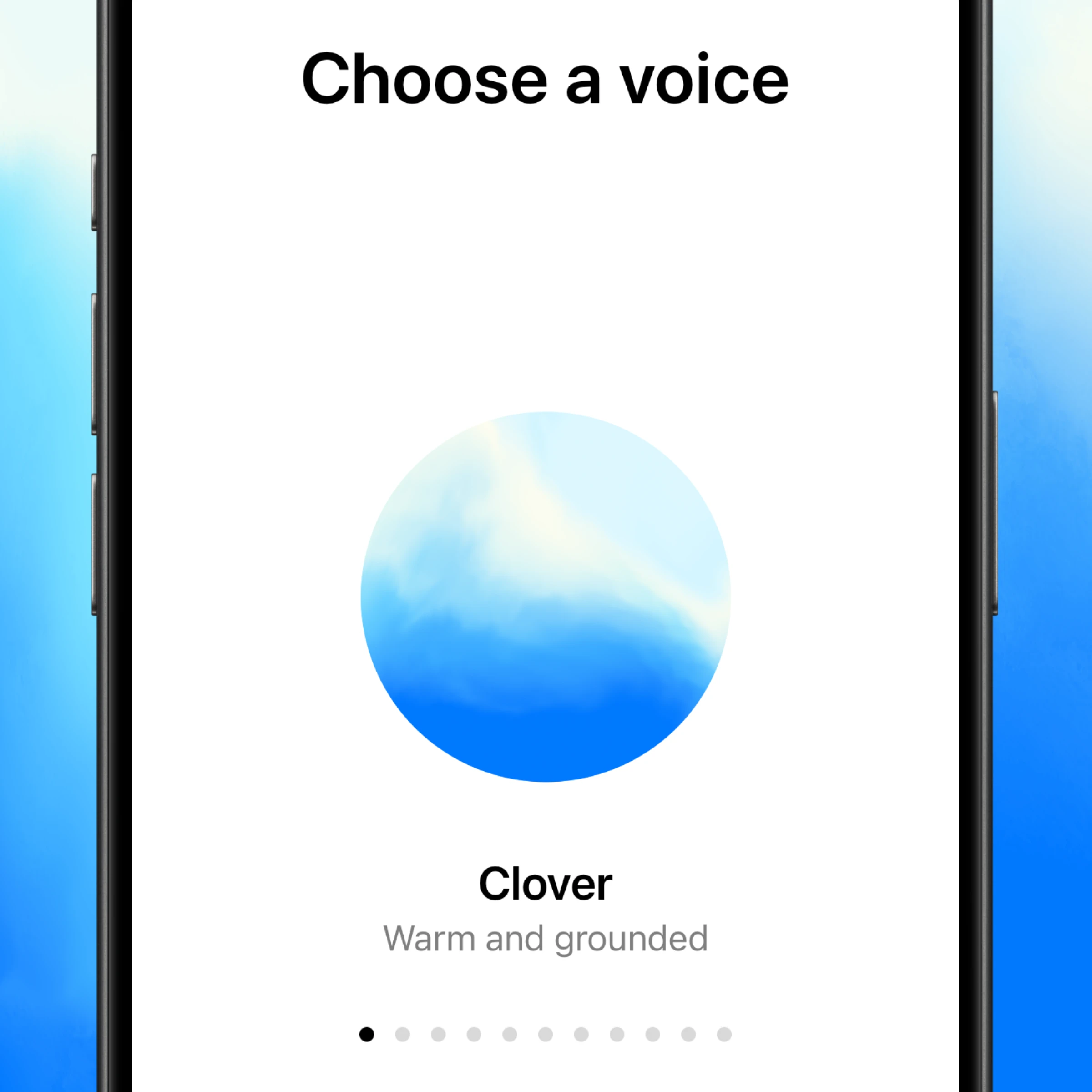
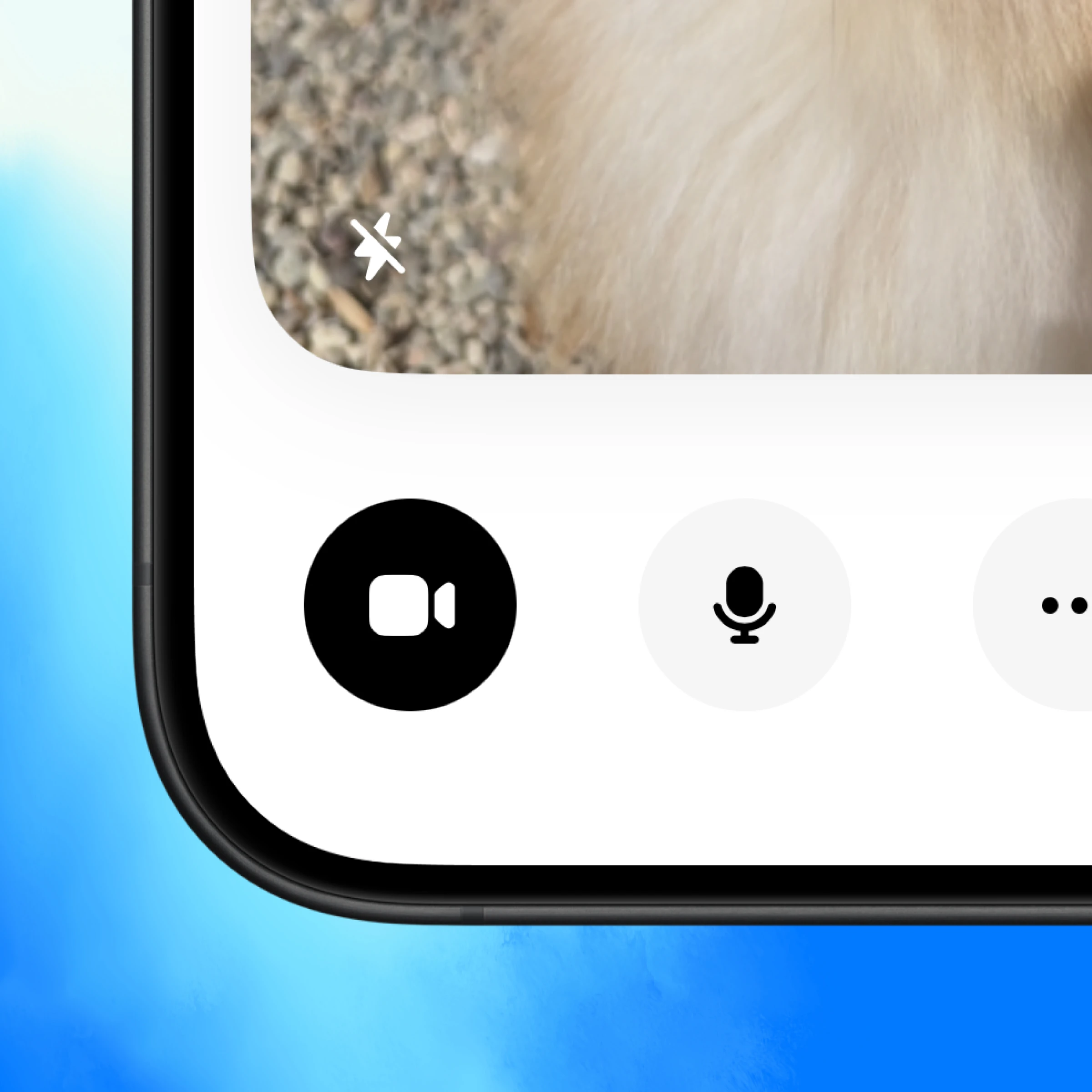
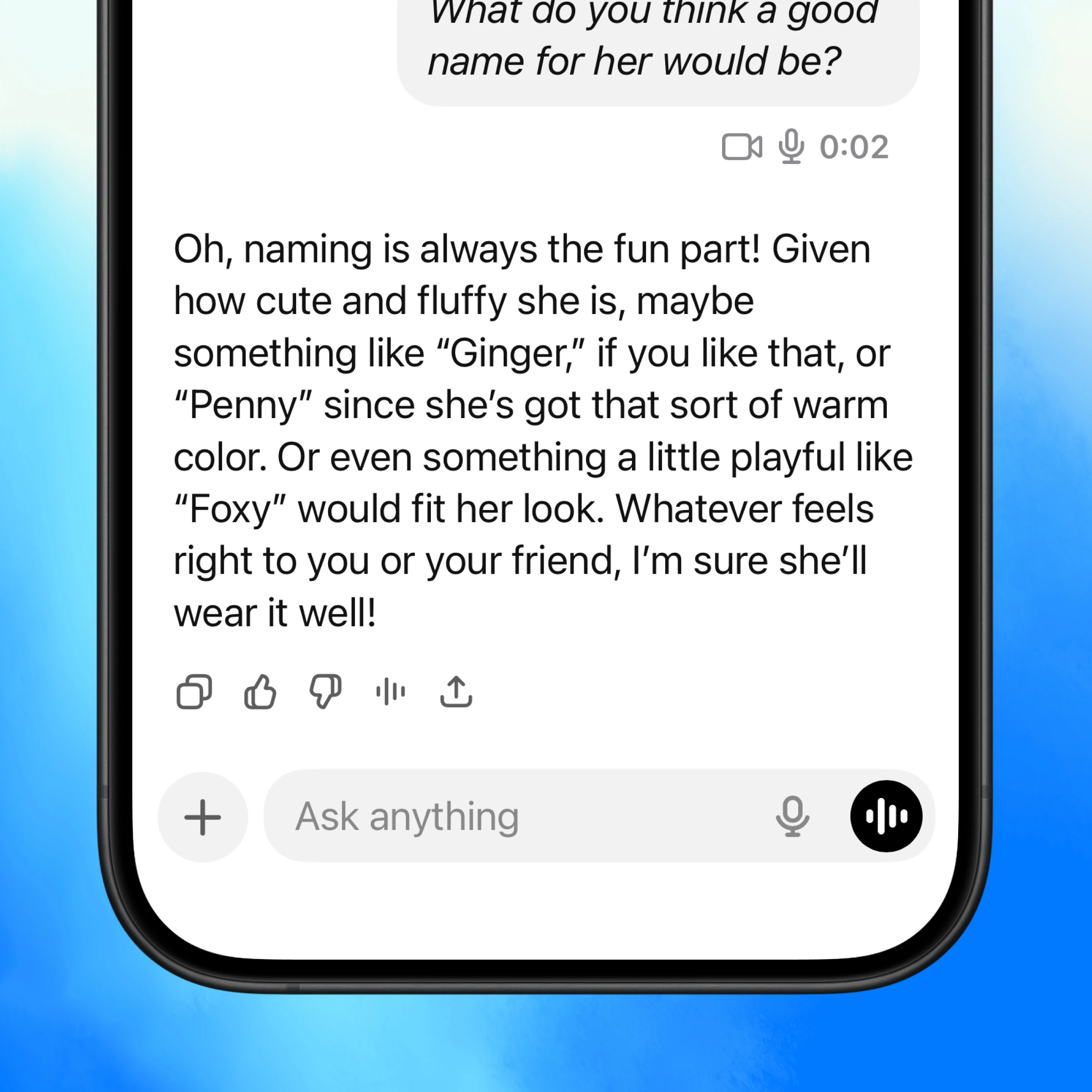
Buksan ang ChatGPT at i-tap ang icon ng boses sa kanang ibaba.
Talk about what you’re seeing
Real-time “show and tell”
ChatGPT can see what you see and help instantly—whether you’re learning, fixing something, or brainstorming ideas.
Like a video call
Conversations flow with tone, context, and real-time feedback that make conversations more useful.
Back and forth conversation
Interrupt, ask follow-ups, or switch directions mid-thought—ChatGPT keeps up with you in the moment.
More ways to use voice with real-time video
Get inspired to start your own conversation in ChatGPT.
Learn more about voice conversations.
Explore more
- Pag-usapan ito gamit ang boses
Makipag-usap sa ChatGPT nang hands-free para mag-brainstorm ng mga ideya, makakuha ng tulong nang step-by-step, o gamitin ang iyong camera para harapin ang mga problema nang real time.
- I-browse sa web gamit ang Atlas
Gamitin ang Atlas, ang aming browser na pinapagana ng AI, para ibuod ang mga pahina, ikumpara ang mga produkto, suriin ang impormasyon, o gumawa ng mga aksyon sa web.
- Desktop app ng ChatGPT
I-download ang ChatGPT desktop app para laging isang pindot lang ang AI at makapagtrabaho ka sa code, mga file, email, o mga screenshot na gusto mong i-upload.